App Control
The smart getAir® app.
With automatic humidity and air quality control
One fan, one app –
numerous possibilities.
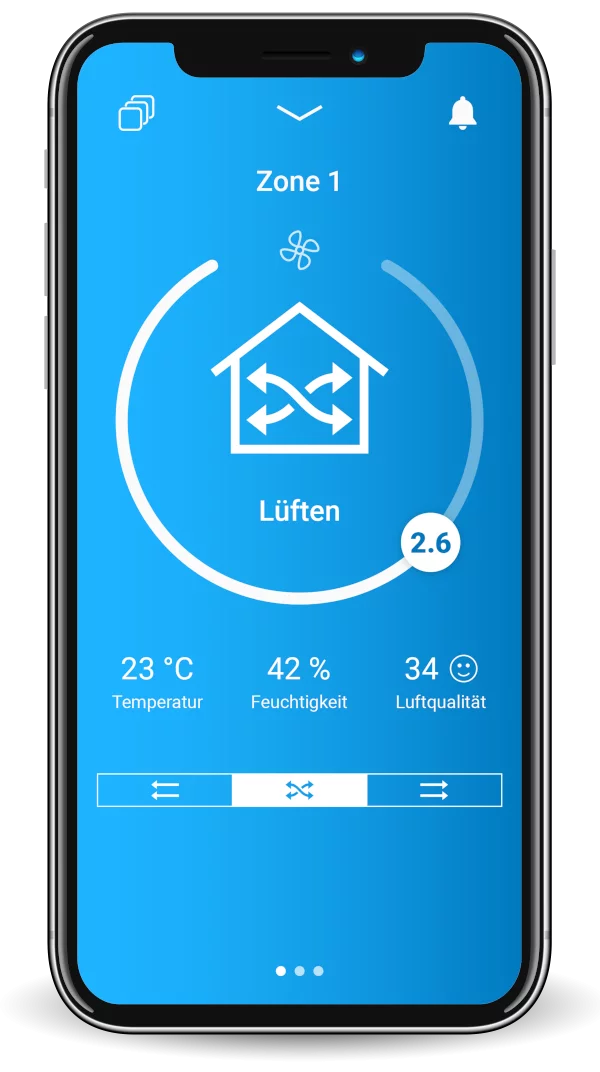
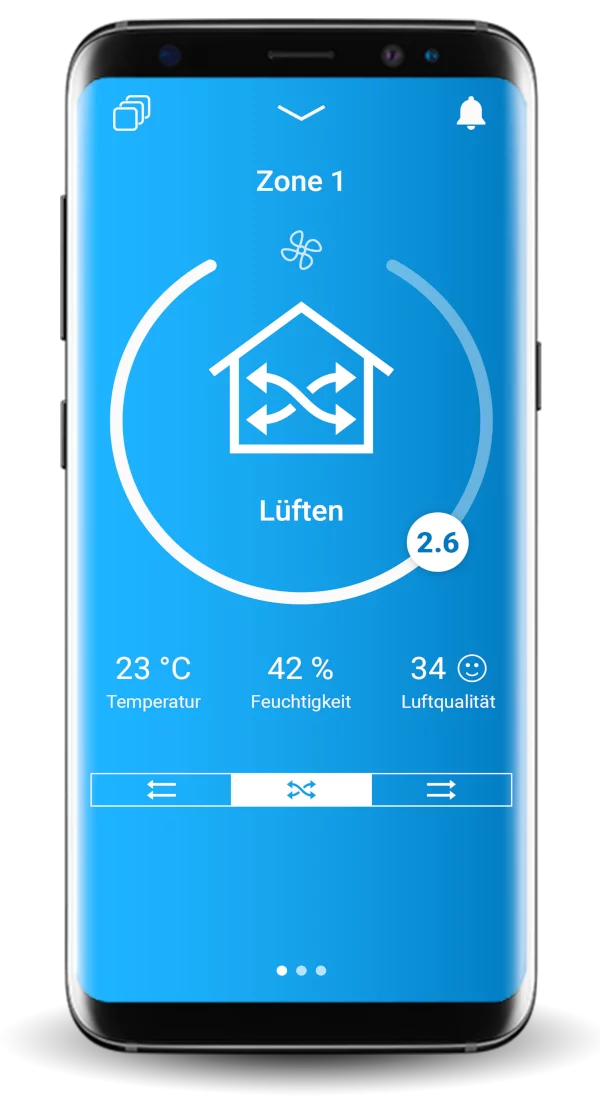
Control each ventilation zone easily and quickly via the getAir App, just as you wish. You can conveniently select the mode that suits you best. Switch instantly between heat recovery and ventilation, enjoy silent relaxation in sleep mode, or set the ventilation according to your specific weekly requirements using timer mode. For even greater peace of mind, the fan automatically controls your optimal feel-good climate in automatic mode.
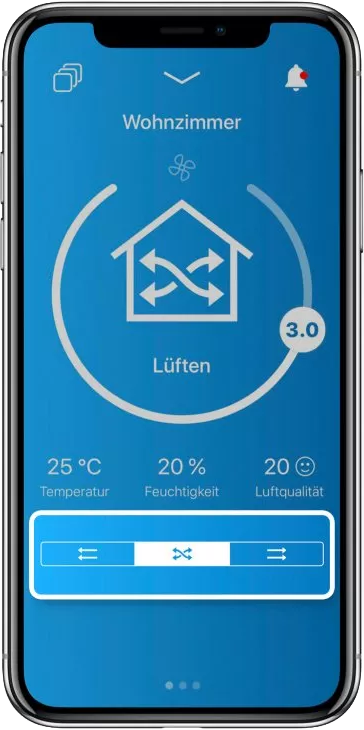
Ventilation & Heat Recovery
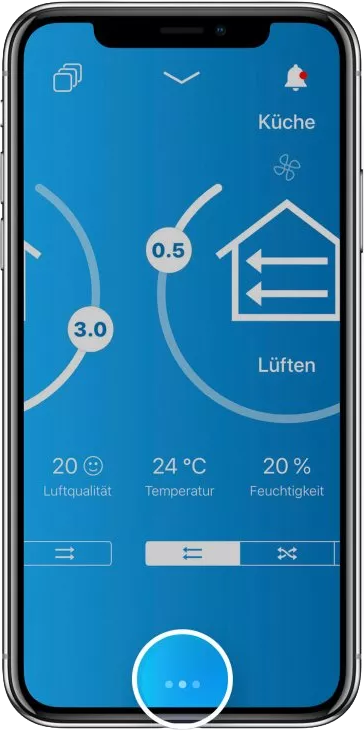
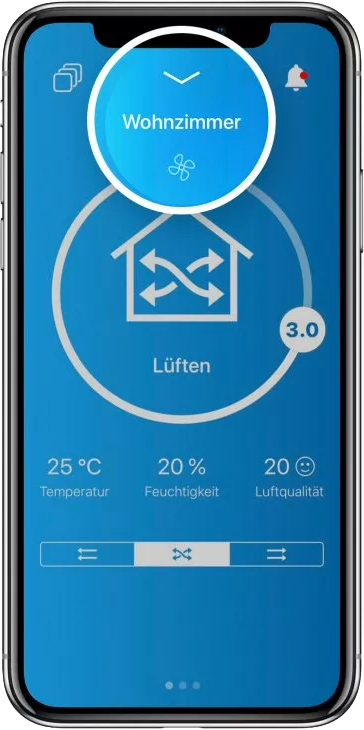
Do you want to decide for yourself when to use the heat recovery function during ventilation? Depending on the ventilation mode, there are options to make further settings. In “Ventilation” mode, the crossed arrows mean “Heat Recovery”, while the straight arrows stand for “Ventilation”, i.e. ventilation without heat recovery. The arrow direction defines the direction of “Ventilation”. In “Automatic” mode, the “Settings” field appears, where detailed information on target temperature, humidity, and more can be adjusted.
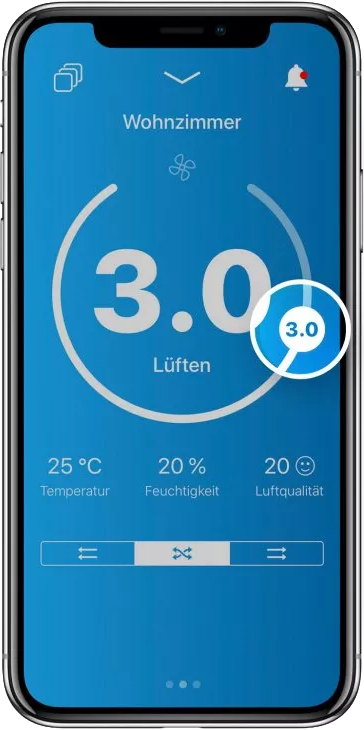
Stepless Control
Depending on the selected ventilation mode, the intensity and duration of ventilation can be adjusted effortlessly. By touching and moving the ventilation level icon, stepless control can be performed with a swipe of a finger. This way, you can always find your ideal setting.
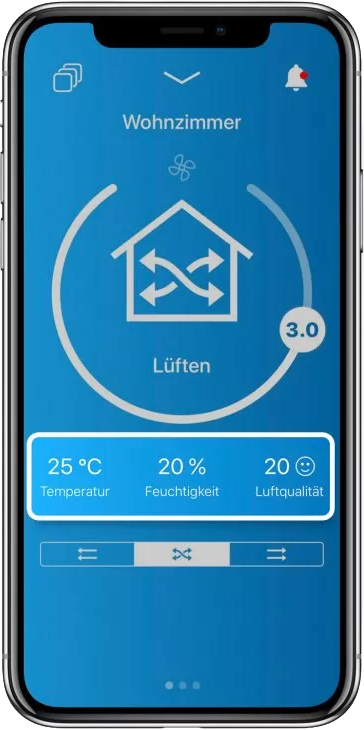
Current Room Temperature, Humidity and Air Quality
Your feel-good climate at a glance: The room temperature in degrees Celsius, relative humidity in percent, and air quality are always visible. Emojis help to classify the air quality: A smiling emoji icon means the quality is good. If the emoji is sad, you should change the ventilation settings or check the filter status.
Zone Change
If you have set up different ventilation zones via the DIP switches on the fan unit, a simple swipe of the display from right to left is enough to switch between the different zones. This way, you always have an overview of your ventilation settings and can adjust them comfortably.